Start here · for Lee-Elle
Your website, and what happens next
This is a first draft of a website for your Hebrew tuition. Every word on it comes from the text you supplied, and nothing is final until you say so. Here is how to shape it.
Choose a design
The same words, in five different pages. Open each one on your phone, then say which you like best, or which parts of which.
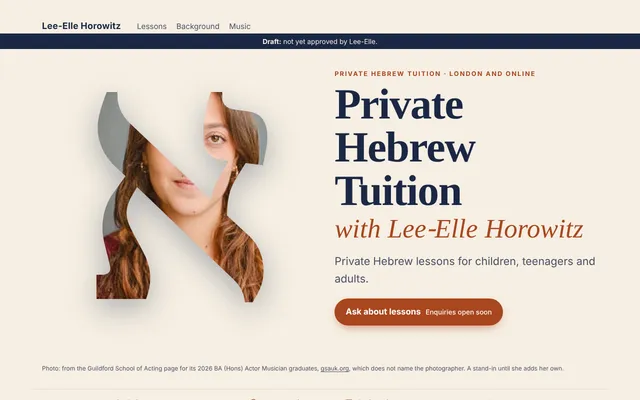 1. Alef-betAn alphabet chart
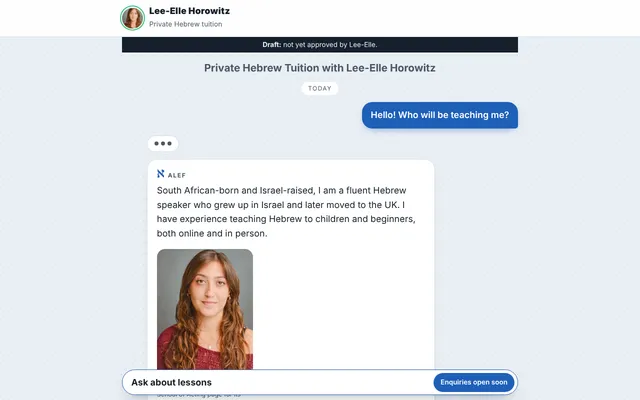 2. ConversationA chat with a parent
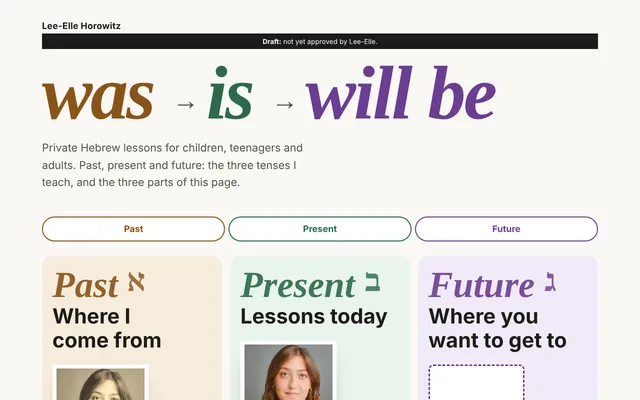 3. Three tensesPast, present and future
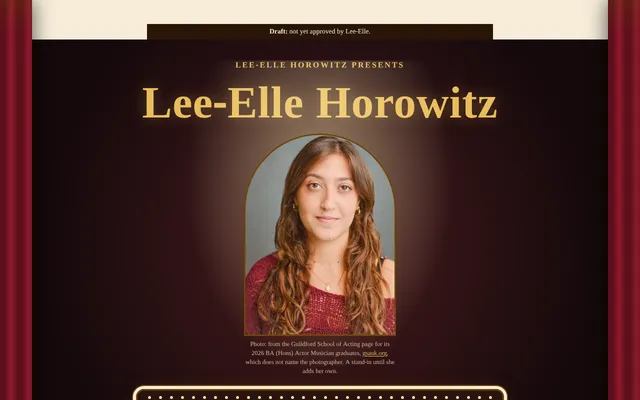 4. The stageA theatre programme
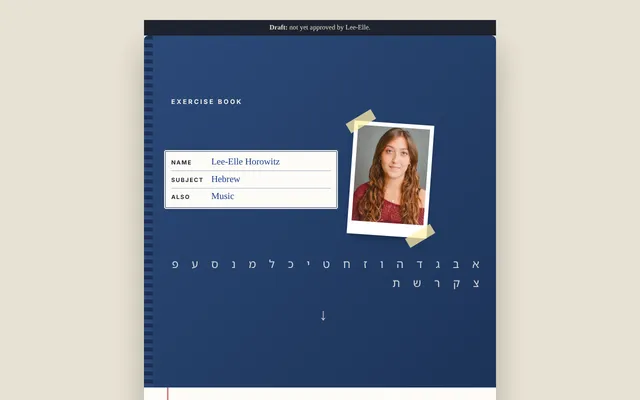 5. NotebookA ruled exercise book
Each design also has a Hebrew version: use the English / עברית switch at the top of any design.
Check the words, and the Hebrew
Read your text on the page and tell us anything to change. Your own words are kept as you wrote them.
Every design has a Hebrew version, translated from your text and marked as not yet checked by you. Please read the Hebrew pages and send corrections: a wrong Hebrew word on a Hebrew tutor's site would cost trust. If you would like your name written in Hebrew, send its spelling.
Send photos, text and changes
For now, send them to Dinis, who set this site up. A form on this site for sending changes and photos is on its way.
- Photos. The photos on the drafts are stand-ins, to show what the pages can look like. Send your own, and for each one say who took it, so it can be credited.
- Contact details. None are shown. Say which, if any, you want visitors to see. Until then, the button on each page says
Enquiries open soon
. - Prices. None are shown, and none will be unless you give them.
Approve it
When you are happy, say so. The Draft
notice comes off and the site is yours to share.
Who looks after the site
A dedicated site agent, b.site.lee-elle-horowitz, builds and keeps this site, working with the Sovereign Website design agents. Its notes on what it has done and what is open are public: the keeper's notes. For a walk through everything here, see the guided tour and the admin area.
Later: changing it yourself
You never have to, but you can. The whole site is a set of plain files in one place on GitHub that you will own: github.com/SovereignWebsite/Site__Artist__Lee-Elle-Horowitz. No server, no cookies, no tracking, and you can move it anywhere. All the words are in two files, site/data/content/en.json and site/data/content/he.json.
Connect GitHub
- Make a GitHub account at github.com/signup, if you do not have one.
- Send your GitHub login to Dinis. You get two invitations: one to your site, with permission to change it, and one to join the SovereignWebsite organisation as a member. Membership gives you no access to anything else; it lets your own Claude work with your site.
- Accept the first: signed in to GitHub, open your site's page on GitHub and press View invitation on the banner, or use the link in the email.
- Accept the second at github.com/orgs/SovereignWebsite/invitation ("Join SovereignWebsite"). Use this address: the link in the email may not offer the button.
- If you use Claude, open its GitHub settings and press Check again next to SovereignWebsite.
Change the words
Let your own Claude make changes
Give it this prompt. It tells your Claude the rules this site keeps. See also Use with your AI.
Ask for another pass
Tell Dinis, or open an issue saying what you would like changed. The site's agents work from that record.